The quick answer
Open the outsourced purchase order’s item receipt. On the receipt line, use Assembly Build Helper and open the finished assembly’s header Inventory Detail. Add the bin assignment, save the helper, and save the receipt. Follow the receipt’s build link to verify the saved bin.
Before you start
You need Outsourced Manufacturing enabled, an outsourced purchase order with its assembly and charge item, and a linked released work order. Confirm the BOM revision and availability of the components you supply at the vendor’s processing location. The finished assembly must use bins, and its bin must belong to that location. The names and transaction numbers below are fictional.
1. Open the outsourced item receipt
Open PO-6241 and click Receive. On the receipt, make sure the line for AX-230 Pump Module is selected. The quantity is 1, and To Location is Copperline Processing.
2. Open Inventory Detail for the finished assembly
Click the Inventory Detail link under Assembly Build Helper. Confirm the helper shows WO-7630, Copperline Processing, and quantity 1. Open Inventory Detail in the helper’s header. The Inventory Detail controls in the Components grid apply to the parts used in the build.
3. Add the finished bin and save the helper
Choose CP-04, check that Status is Good, enter 1 in Quantity, and click Add. Check the added assignment row, then click OK and click Save in the helper.
4. Save the receipt and check the build
Click Save on the item receipt. On IR7841, find the line’s Assembly Build #ASSYB842 link and open it.
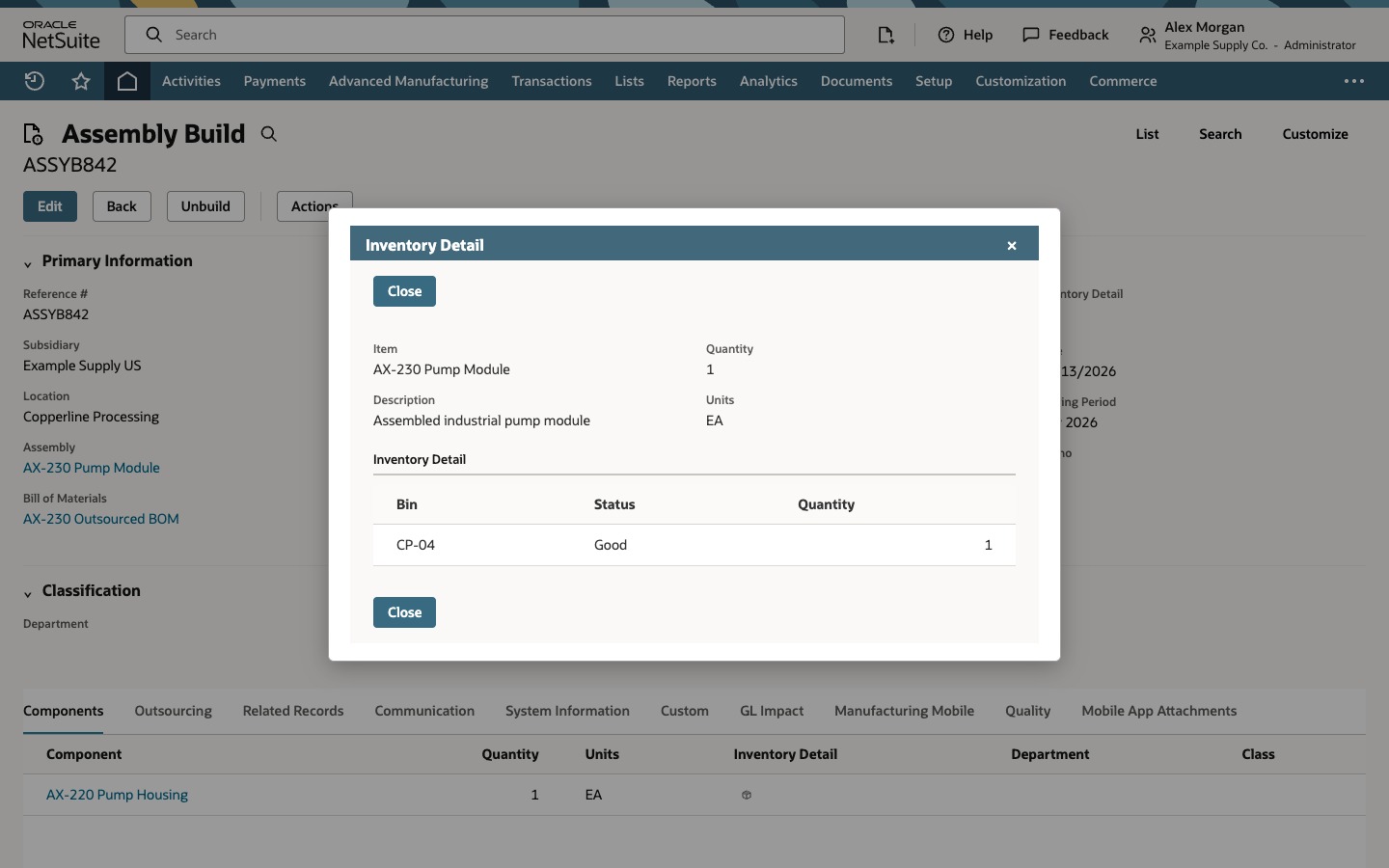
On the saved build, check the work order and location. Open the header Inventory Detail and verify CP-04, Good, and quantity 1.
Common questions
When does NetSuite create the assembly build?
Saving Assembly Build Helper returns the prepared assignment to the receipt. Saving the item receipt creates the linked build. Open the build link on the saved receipt to verify the result.
Why is the bin missing from the list?
Check that the bin is active and belongs to the build’s manufacturing location. Check that the finished assembly uses bins. If your setup requires item-to-bin assignment, check that association too.
Which Inventory Detail controls where the finished unit goes?
The Inventory Detail control in the helper’s header applies to the finished assembly. The component rows have their own controls for the inventory the build consumes.